FOR ANYONE STARTING OUT IN IT SUPPORT
Networking Fundamentals for IT Support — Finally Understand What's Actually Happening
- 20 chapters, 56 pages
- Companion workbook + 12-checklist pack + bonus resources
- A 12-ticket Real Network Support Ticket Lab + full troubleshooting framework
- Instant digital download
A practical, 20-chapter networking course built for first-line IT Support — not a CCNA-style engineering course. Learn exactly what you need to isolate a real fault, through real Northbridge Solutions Ltd tickets.
No binary subnetting. No VLSM. No CIDR maths. Just the one repeatable path every connection actually takes — and a clear way to work out which link on it has failed.
Secure checkout. Instant access from your dashboard as soon as payment clears.
Networking Courses Either Drown You in Theory, or Never Actually Teach You Anything Useful
Most first-line technicians either avoid networking entirely, or start a CCNA-style course that buries them in subnetting maths they'll never actually use on a real shift.
Binary Subnetting You'll Never Actually Need
Most networking courses teach engineering-depth maths first-line support genuinely doesn't need — you end up able to calculate a subnet, but no better at solving “the internet's not working.”
No Repeatable Way to Actually Troubleshoot
Without one consistent framework, every “no internet” ticket feels like starting from scratch — guessing at fixes instead of narrowing the fault in order.
Terminology That Never Quite Clicks
IP addresses, gateways, DHCP and DNS get defined in isolation, so the terms never connect into one picture of what's actually happening when a connection fails.
From “I Just Restart the Router” to “I Know Exactly Which Link Just Failed”
By the end of the course, you'll have worked a complete 12-ticket Ticket Lab using one repeatable framework — reading evidence, narrowing the fault, and only then reaching for a fix.
- A working mental model — the six-link path every connection actually takes, from device to destination
- Confident use of ipconfig, ping, nslookup and tracert, knowing exactly what each result does and doesn't prove
- The ability to tell a Wi-Fi-specific fault apart from a wider network or internet fault, in one test
- A complete five-step framework for “no internet,” applied to VPNs, printers and shared resources too
- A genuinely useful escalation note format, and the judgement to know when a fault is beyond first line
Course Curriculum
Twenty chapters, built to be worked through in order — each one building on the six-link connection path introduced in Chapter 1.
01Why Networking Matters in IT Support▾
The six-link User-to-Service Connection Path this entire course keeps returning to, and what first-line support can genuinely check.
- What a Network Actually Is
- The Path Every Connection Takes
- You Don't Need to Be a Network Engineer
02Network Devices Explained Simply▾
Routers, switches and access points, given a clear plain-language job description each.
- The Core Devices
- Three Commonly Confused Pairs
- Real Ticket — The Whole Office Has No Internet
03IP Addresses▾
What an IPv4 address actually is, private versus public ranges, and dynamic versus static addressing.
- What an IP Address Actually Is
- Private vs. Public IP Addresses
- Dynamic vs. Static Addresses
- Real Ticket — Intermittent Connection Drops
04Subnet Masks Without the Headache▾
What a subnet mask is genuinely for — deliberately stopping short of binary subnetting, VLSM and CIDR.
- What a Subnet Mask Actually Does
- The /24 Shorthand
- Real Ticket — Internet Works, But I Can't Reach the Shared Drive
05Default Gateway▾
The one device every piece of outbound traffic passes through, and how to tell whether it's genuinely working.
- What the Default Gateway Actually Is
- Real Ticket — I Have an IP Address But Can't Reach Anything Outside
06DHCP▾
How a device gets its IP address, gateway and DNS server, and what a 169.254.x.x APIPA address genuinely indicates.
- What DHCP Actually Does
- When DHCP Fails — APIPA
- Real Ticket — Connected to Wi-Fi, But ipconfig Shows 169.254.32.18
07DNS▾
What DNS actually does, and why a successful ping never proves a website will load.
- What DNS Actually Does
- Why a Successful Ping Doesn't Mean a Website Will Load
- Real Scenario — 8.8.8.8 Responds, But microsoft.com Doesn't
08MAC Addresses & Network Adapters▾
A fixed physical identity versus a changeable IP address, and why two independent adapters matter.
- What a MAC Address Actually Is
- Network Adapters — Wired and Wireless
- Real Ticket — My Wi-Fi Adapter Has Disappeared Completely
09Ethernet▾
Wired networking as a genuine comparison test, used deliberately to isolate a wireless-specific fault.
- Wired Networking, in Plain Terms
- Why Ethernet Is a Genuinely Useful Comparison Test
10Wi-Fi Fundamentals▾
SSID and passwords, 2.4GHz vs. 5GHz in practical terms, and the difference between ‘connected’ and ‘connected, no internet.’
- SSID, Passwords and Connecting
- 2.4 GHz vs. 5 GHz, in Practical Terms
- ‘Connected’ vs. ‘Connected, No Internet’
- Real Ticket — Wi-Fi Works Downstairs, Disconnects Upstairs
11Internet Connectivity Troubleshooting▾
Every earlier chapter brought together into one repeatable five-step framework for ‘the internet doesn't work.’
- Why Order Matters
- Real Ticket — Nothing Works At All
12Essential Networking Commands▾
ipconfig, ping, nslookup and tracert, gathered into one reference.
- The Core Command Set
- tracert — Seeing the Path Itself
- Real Ticket — Slow to One Site, Fine Everywhere Else
13Ports & Protocols▾
What a port actually is, and the handful first-line support actually encounters.
- What a Port Actually Is
- Real Ticket — Remote Desktop Won't Connect, Everything Else Is Fine
14VPN Fundamentals▾
What a VPN actually does, and the two genuinely different VPN tickets first-line support sees.
- What a VPN Actually Does
- Two Genuinely Different VPN Tickets
- Real Ticket — VPN Connects, But I Still Can't Reach the Shared Drive
15Network Printers & Shared Resources▾
Reachable versus permitted — telling a connectivity fault apart from a permissions one.
- A Network Printer Is Just Another Device
- Shared Drives — Reachable vs. Permitted
- Real Ticket — Can't Print, and Can't Open the Sales Shared Drive Either
16Network Troubleshooting Like a Technician▾
Every framework in the course consolidated into one habit — scope before fix.
- One Habit Behind Every Chapter So Far
- The Mistakes Already Flagged, Gathered in One Place
- Real Ticket — Putting the Whole Course Together
17Real Network Support Ticket Lab▾
Twelve real tickets, back to back, each solvable with a framework already covered in this course.
- Tickets 1–6
- Tickets 7–12
18Escalation & Documentation▾
When to escalate, and what makes an escalation note genuinely useful to whoever picks it up next.
- When to Escalate
- What a Genuinely Useful Escalation Note Includes
- Real Ticket — A Weak Escalation vs. a Strong One
19Networking Interview Preparation▾
The handful of networking questions that come up again and again, answered in plain terms.
- The Questions You'll Actually Be Asked
- Mock Interview — Explaining DNS in Plain Terms
- Talking Through a Symptom Question Out Loud
20Building Networking Skills for IT Support▾
Keeping the core habit sharp, practising safely on your own network, and an honest look at what comes next.
- The Habit That Actually Matters
- Practising on Your Own Network
- If You Ever Want to Go Further
What's Included
Everything you need to genuinely understand networking at the level first-line IT Support actually uses — not another engineering course you'll abandon halfway through.

Course Ebook
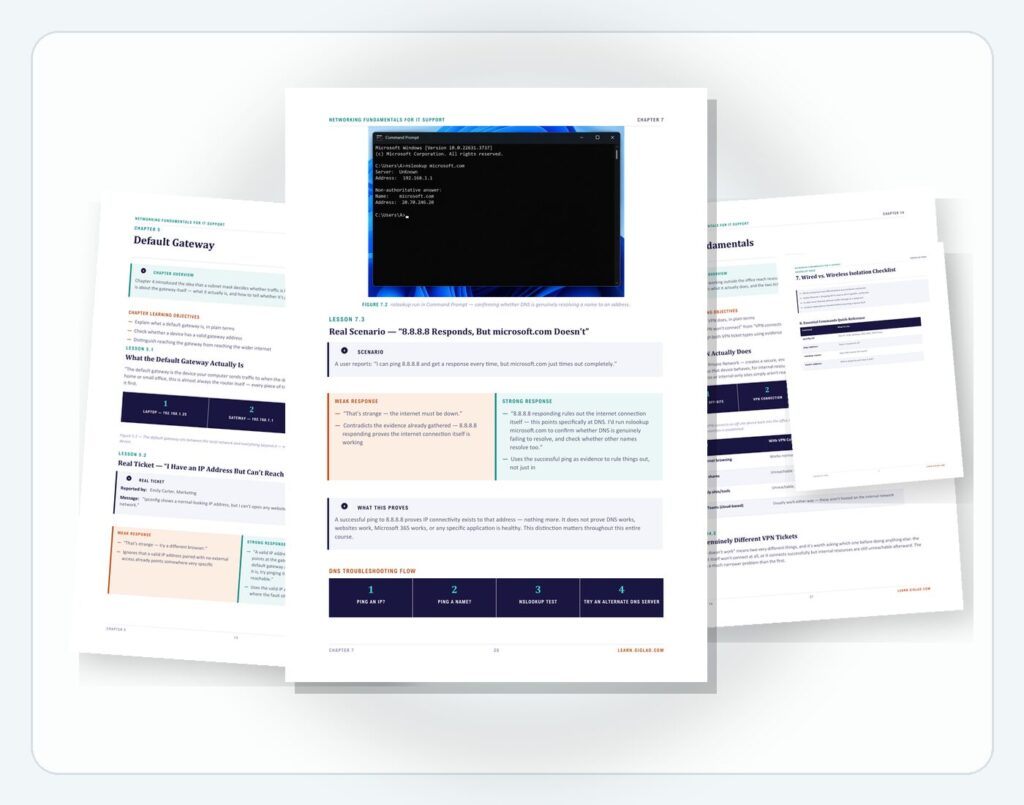
The full 20-chapter course, following real Northbridge Solutions Ltd tickets from a first “why networking matters” chapter through to a 12-ticket Ticket Lab.
- 20 chapters, 56 pages
- One consistent fictional company and five recurring staff
- Three genuine Windows screenshots
- A complete internet-connectivity troubleshooting framework

Practical Workbook
15 worksheets matching Chapters 1-15, including Labs 1-10 run on your own device and your own home network.
- Find-your-own-IP and subnet-mask labs
- The full troubleshooting framework, run for real
- All four core commands, tested against your own network
- VPN, ports and shared-resource ticket practice

Checklists, Templates & Final Assessment
12 quick-reference checklists, 10 bonus resources including a fuller mock-interview bank and 20 extra troubleshooting scenarios, and a full final assessment with a fully explained answer key.
- 12 on-shift checklists, from IP addressing to escalation notes
- A networking terminology cheat sheet and command reference card
- 20 additional troubleshooting scenarios beyond the Ticket Lab
- 20 MCQs plus scenario and mock-interview sections, fully answered

Certificate of Completion
A downloadable certificate to mark that you've finished the course — a genuine addition to your CV and LinkedIn profile.
- PDF format, ready to save or print
- Personalised with your name and completion date
Delivered as digital files viewable on any device. Estimated course completion time: around 7–9 hours, plus your own home-network practice time.
What You Get
- Course Ebook
- Practical Workbook
- Checklists, Templates & Final Assessment
- Certificate of Completion
Secure checkout. Instant access from your dashboard as soon as payment clears.
Includes lifetime access.
Trending Products









Frequently Asked Questions
No, and it's deliberately not. This course teaches exactly what first-line IT Support needs to isolate a network fault logically — no binary subnetting, VLSM or CIDR calculations. If you want network-engineering depth later, certifications like CompTIA Network+ pick up roughly where this course leaves off.
You'll receive six PDF files: the course ebook, the practical workbook, the checklist pack, the bonus resources pack, the final assessment with answer key, and a certificate of completion — instantly after checkout.
No. It's written for beginners with little or no formal networking knowledge, and for anyone applying for Help Desk, Service Desk or Desktop/Remote Support roles who finds networking terminology intimidating.
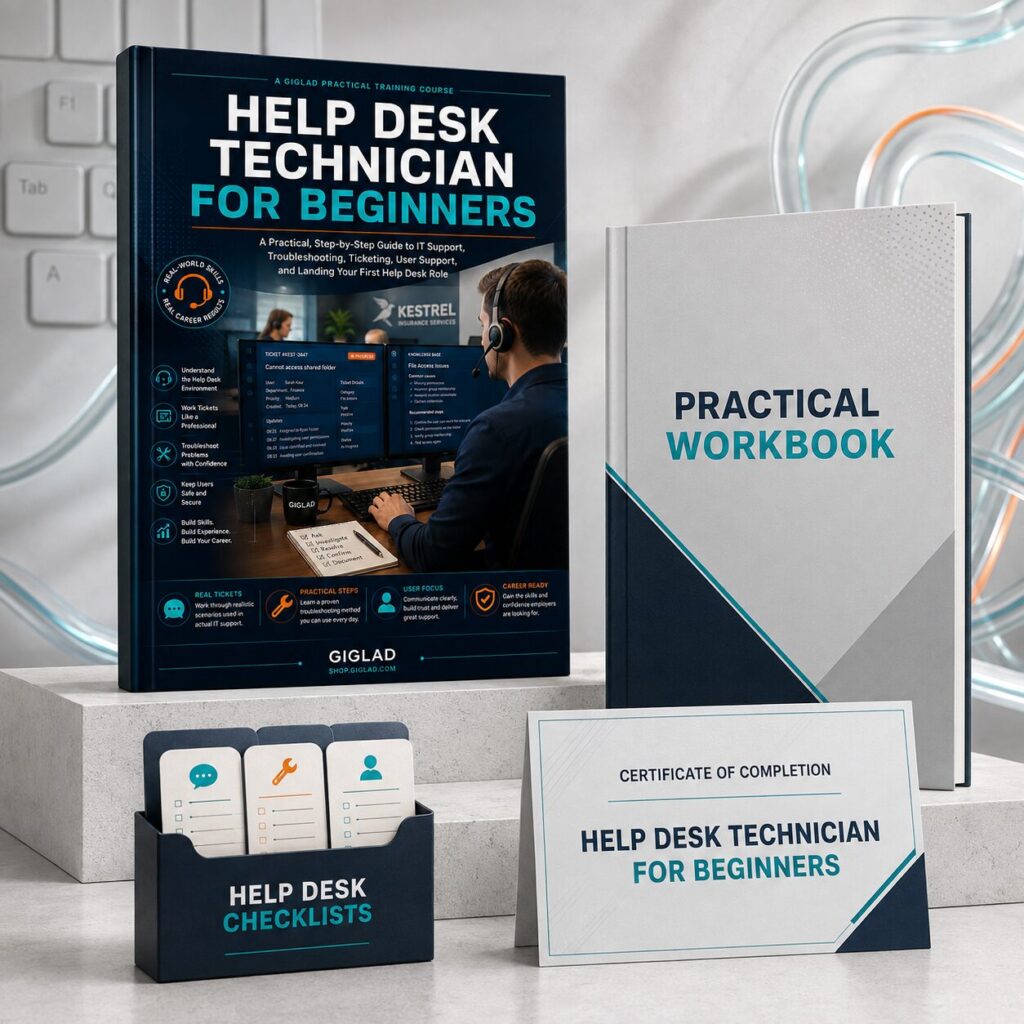
No — this course works perfectly on its own. It builds on Help Desk Technician for Beginners and complements Microsoft 365 Support, IT Support for Remote & Hybrid Workplaces, and IT Support Interview & Technical Assessment Preparation, going deeper into networking than any of them attempt to.
Ready to Finally Understand What's Actually Happening on the Network?
Get the full course, workbook, checklist pack, bonus resources, final assessment and certificate — and build the practical networking reasoning first-line IT Support genuinely uses.
Secure checkout. Instant access from your dashboard as soon as payment clears.