- You cannot add another "Website Maintenance Made Simple" to your cart. View cart
FOR CAREER CHANGERS & FIRST-TIME IT APPLICANTS
Help Desk Technician for Beginners — Land Your First IT Support Role, Ticket by Ticket
- 15 chapters, 5 modules
- Fillable workbook + checklist pack
- 10-ticket lab + final assessment
- Instant digital download
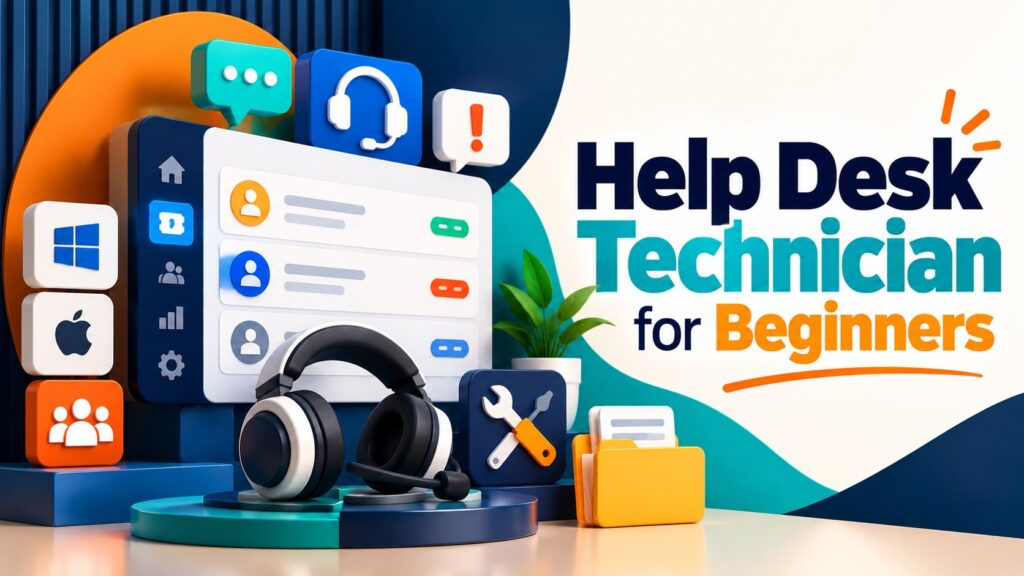
A practical, 15-chapter beginner's guide to IT support, troubleshooting, ticketing and user support — built around one realistic service desk, so you finish job-ready, not just informed.
No guesswork, no jargon — a realistic service desk, worked ticket by ticket, so you finish genuinely job-ready.
Secure checkout. Instant access from your dashboard as soon as payment clears.
Everyone Wants “Experience” — So How Do You Get Your First Break?
Most beginners don't fail Help Desk interviews because they're not smart enough. They fail because nobody ever showed them how a real ticket actually gets worked, start to finish.
Courses That Teach Definitions, Not Judgement
Knowing what a VPN is isn't the same as knowing what to check first when a hybrid worker calls in with no internet. Most beginner IT content stops at the definition.
No Idea What a Real Day Actually Looks Like
Ticket queues, priority calls, escalation, identity verification, an angry user on hold — none of it shows up in a textbook, and it's exactly what interviewers ask about.
Guessing Your Way Through Every Fault
Without a structured troubleshooting method, every new problem feels like starting from zero — which is exactly what makes a candidate look junior in an interview.
From “I Know Some Computer Stuff” to “I Can Actually Do This Job”
By the end of the course, you won't just understand IT support in theory — you'll have practised it, ticket by ticket, the way it's actually done on a real service desk.
- A repeatable, structured troubleshooting method you can apply to almost any fault
- Real practice with tickets covering Windows, Microsoft 365, networking, accounts, hardware and remote support
- The judgement to know when to fix, when to verify identity first, and when to escalate
- Confident, professional communication — with frustrated users and in a technical interview
- A completed home-lab plan, CV bullets and two fully rehearsed interview answers, ready to use
Course Curriculum
Five modules across 15 chapters, built to be worked through in order. Every chapter follows one realistic service desk, Kestrel Insurance Services, so you see one consistent environment, not scattered examples.
01Module 1: Foundations▾
Get oriented in the IT Support role, understand the environment you're supporting, learn how ticketing actually works, and build the professional troubleshooting method every later module relies on.
- Ch.1 — Welcome to the IT Help Desk
- Ch.2 — Understanding the IT Environment You're Supporting
- Ch.3 — How Help Desk Ticketing Actually Works
- Ch.4 — The Professional Troubleshooting Method
02Module 2: Core Technical Support▾
Work through the technical fundamentals of the role: Windows support, accounts and access, Microsoft 365, and the networking concepts behind every connectivity ticket.
- Ch.5 — Windows Support Fundamentals
- Ch.6 — User Accounts, Passwords and Access
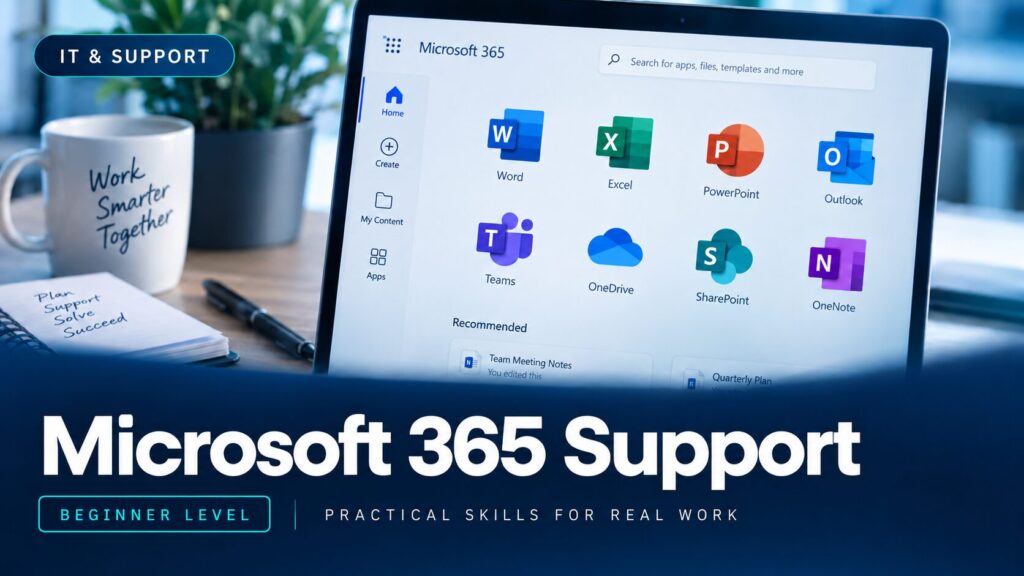
- Ch.7 — Microsoft 365 Support Basics
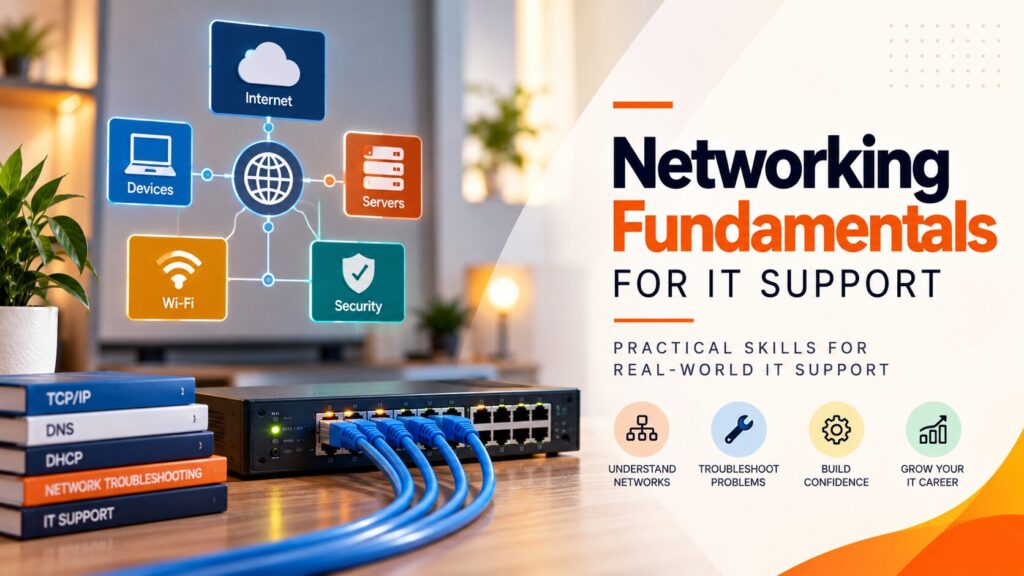
- Ch.8 — Networking for Help Desk Technicians
03Module 3: Hardware, Remote & Security▾
Support physical hardware and peripherals, help users remotely with proper consent and process, and handle security incidents the way a real service desk does.
- Ch.9 — Hardware & Peripheral Support
- Ch.10 — Remote Support
- Ch.11 — Cybersecurity for the Help Desk
04Module 4: Communication & Process▾
Communicate like a professional under pressure, and escalate and document tickets so second line can pick them up cold.
- Ch.12 — Communication & Customer Service
- Ch.13 — Escalation & Documentation
05Module 5: Practice & Career▾
Work a full lab of ten real help desk tickets end to end, then build the CV, interview and home-lab skills that start your career.
- Ch.14 — Real Help Desk Ticket Lab (10 Tickets)
- Ch.15 — Starting Your Help Desk Career
What's Included
Everything you need to go from beginner to genuinely interview-ready — not just another ebook to skim once and forget.

Course Ebook
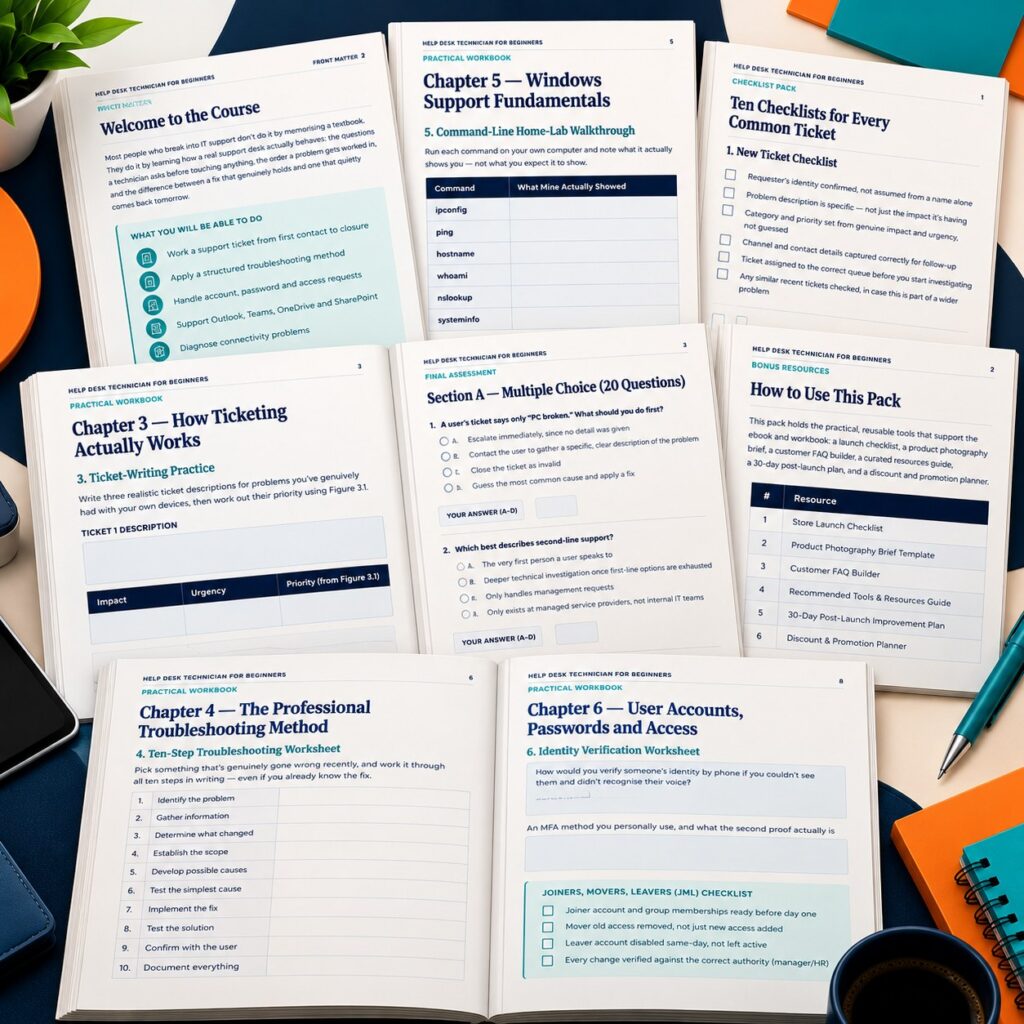
The full 15-chapter course, following one consistent fictional service desk from first ticket to career-ready — built around structured troubleshooting, not memorised facts.
- 15 chapters, 48 pages
- One continuous fictional company and technician, start to finish
- 17 original diagrams plus a genuine Windows 11 walkthrough
- A full ten-ticket lab you solve yourself before seeing the model answers

Practical Workbook
20 worksheets matching every exercise in the course, so you actually practise each skill instead of just reading about it.
- A worksheet for every chapter, in order
- Command-line and home-lab practice pages
- Your own answers to all ten lab tickets
- A CV builder, interview prep sheet and 30-day plan
Checklists, Templates & Final Assessment
Ten quick-reference checklists, six ready-to-copy templates, and a full 30-question final assessment with a fully explained answer key.
- 10 printable troubleshooting checklists
- IT ticket, escalation and knowledge-base article templates
- A help desk interview preparation sheet
- 30 assessment questions across MCQ, scenarios and ticket-handling, fully answered

Certificate of Completion
A downloadable certificate to mark that you've finished the course — a genuine addition to your CV and LinkedIn profile.
- PDF format, ready to save or print
- Personalised with your name and completion date
Delivered as digital files viewable on any device. Estimated course completion time: around 5–7 hours, plus your own home-lab practice time.
Prove It, Then Get Your Certificate
- 1Complete all required lessons
- 2Complete all required practical activities
- 3Reach 100% required progress
- 4Pass the Final Assessment — 20 multiple-choice questions, 5 troubleshooting scenarios, 5 ticket-handling questions (70% pass mark, retakes allowed)
- 5Your Certificate of Completion becomes available

Is This For You?
This is for you if you're:
- Complete beginners aiming for their first IT Support or Help Desk role
- Anyone changing career into IT support with no formal experience yet
- Existing first-line staff who want a structured refresher
- Anyone who wants realistic ticket practice, not just theory
Probably not for you if you're:
- Looking for a vendor certification (CompTIA, Microsoft, ITIL) -- this prepares you for that, but isn't one
- Wanting deep networking, Microsoft 365 admin or security-analyst depth (see GigLad's dedicated courses for that)
- Already working second-line or above
- Wanting a guarantee of a job offer -- no honest course can promise that
GigLad
GigLad publishes practical, action-based digital courses with worked examples, fillable workbooks and a final assessment. Each course follows one realistic environment from start to finish, so you see a complete method applied, and none promises results it cannot control.
What You Get
- Course Ebook
- Practical Workbook
- Checklists, Templates & Final Assessment
- Certificate of Completion
Secure checkout. Instant access from your dashboard as soon as payment clears.
Includes lifetime access.
Trending Products







Frequently Asked Questions
Yes. It's written specifically for beginners and career changers with solid general computer skills but no help desk job yet. Every technical term is explained the first time it appears, and the whole course is built around practising, not memorising.
You'll receive five PDF files: the course ebook, the practical workbook, the checklist pack, the bonus resources & templates pack, and the printable final assessment. They are available to download from your account as soon as payment clears.
No genuine course can guarantee that, and this one doesn't claim to. What it gives you is the same practical foundation a good employer expects from a junior technician — structured troubleshooting, real ticket practice, and genuine interview preparation — built through practice, not promises.
No. It teaches transferable, vendor-neutral help desk skills — Windows, Microsoft 365 and general networking fundamentals — and points you toward relevant certifications (CompTIA A+, Network+, Microsoft Learn, ITIL Foundation) to research further. It is not affiliated with, endorsed by, or sponsored by Microsoft, CompTIA or any other provider.
Ready to Stop Reading About IT Support and Start Practising It?
Get the full course, workbook, checklist pack, bonus templates, final assessment and certificate — and build the practical foundation your first Help Desk role actually needs.
Secure checkout. Instant access from your dashboard as soon as payment clears.